
FLUX.2 Image Generator
Photoreal generation and reference-guided edits with up to eight images. 1K or 2K output at 15 credits per image.
Prompts to try with FLUX.2
Explore FLUX.2 examples for cinematic photography, tactile craft, product stills and studio portraits. Click an image to load its prompt.
What FLUX.2 is good at
Photoreal by default
Fabric, skin, glass and street texture hold up under close inspection — built for shots that should look photographed, not sketched.
Up to eight references
Guide identity, product shape, palette or composition with multiple images, then say clearly what may change and what must stay fixed.
Aspect ratio control
Pick the frame before generating so the composition is built for that ratio instead of being cropped afterwards.
Convincing materials
Paper fibres, glazed ceramic, brushed metal and soft knit respond to light in a way that reads as physical, not painted on.
Strong first drafts
Useful for exploring subjects and lighting before you commit a harder brief to Nano Banana Pro or Seedream 5.0 Pro.
1K and 2K output
Iterate at 1K, then step up to 2K when the composition is locked and you need more detail in the final frame.
Why use FLUX.2 for photoreal AI images?
FLUX.2 is the photoreal workhorse here: convincing materials, controlled lighting, and reference-guided edits with up to eight images. It replaces FLUX Schnell for work that needs finished photographic quality at 1K or 2K, at 15 credits per image.

How to write a FLUX.2 prompt
Lead with a clear subject and action, name one visual medium, then add the light or camera cue that should control the frame.
Lead with the subject and action
Start with what must appear and what it is doing: “a bicycle courier crossing a wet city street” beats a list of disconnected quality words.
Choose one visual language
Name a concrete medium such as cinematic photography, paper craft or studio still life, then add two or three material or lighting details.
Iterate on a stable prompt
Keep the brief fixed, change one variable at a time, and use references when identity or product shape must stay consistent across tries.
Other image models
Same generator, different strengths. Switch models when you need more detail, clearer text, faster drafts, or tighter layout control.
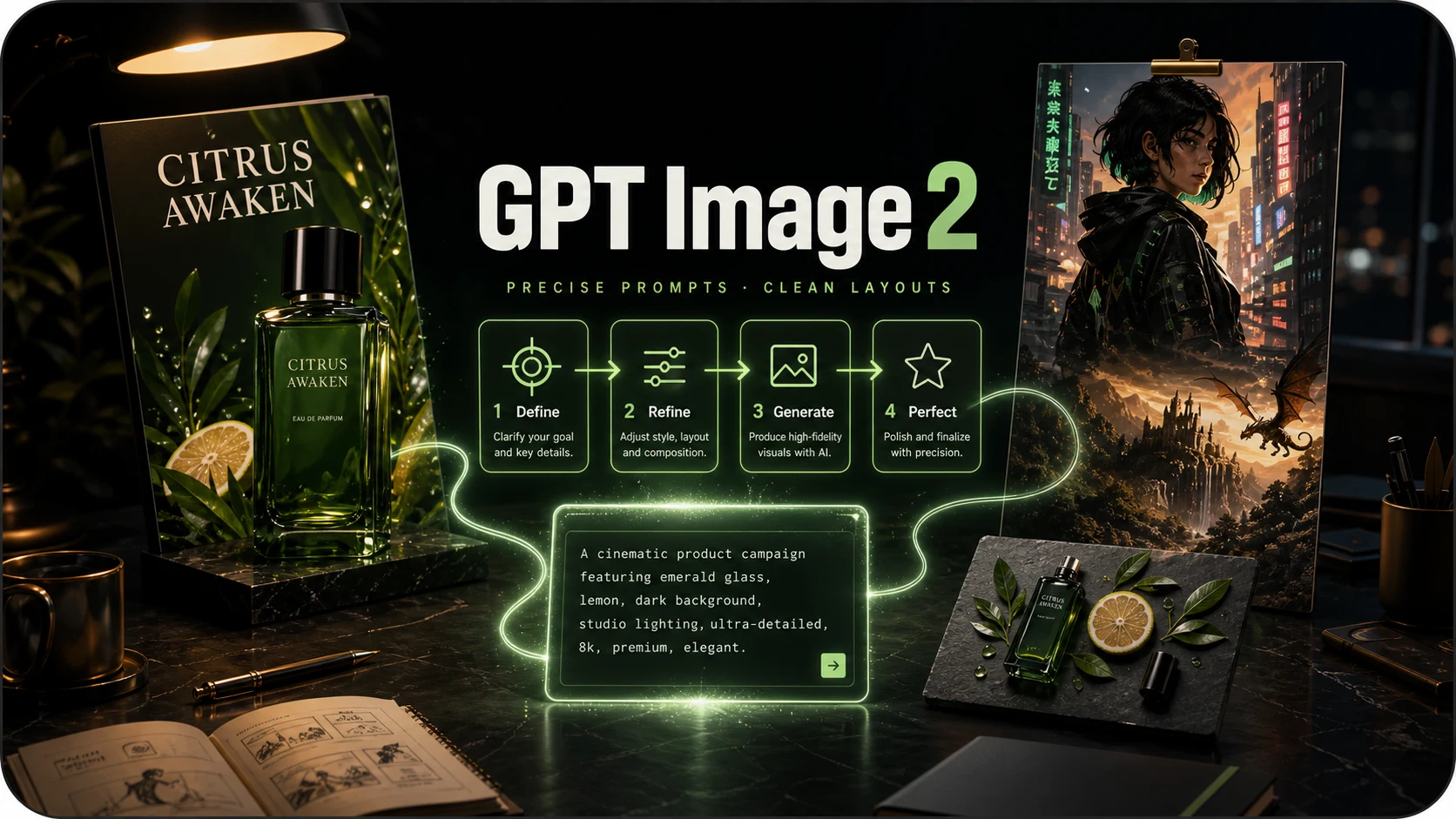
OpenAI prompt-faithful layouts and diagrams at 8 credits — compare with Flare, Sunburst and Nano Banana Pro.
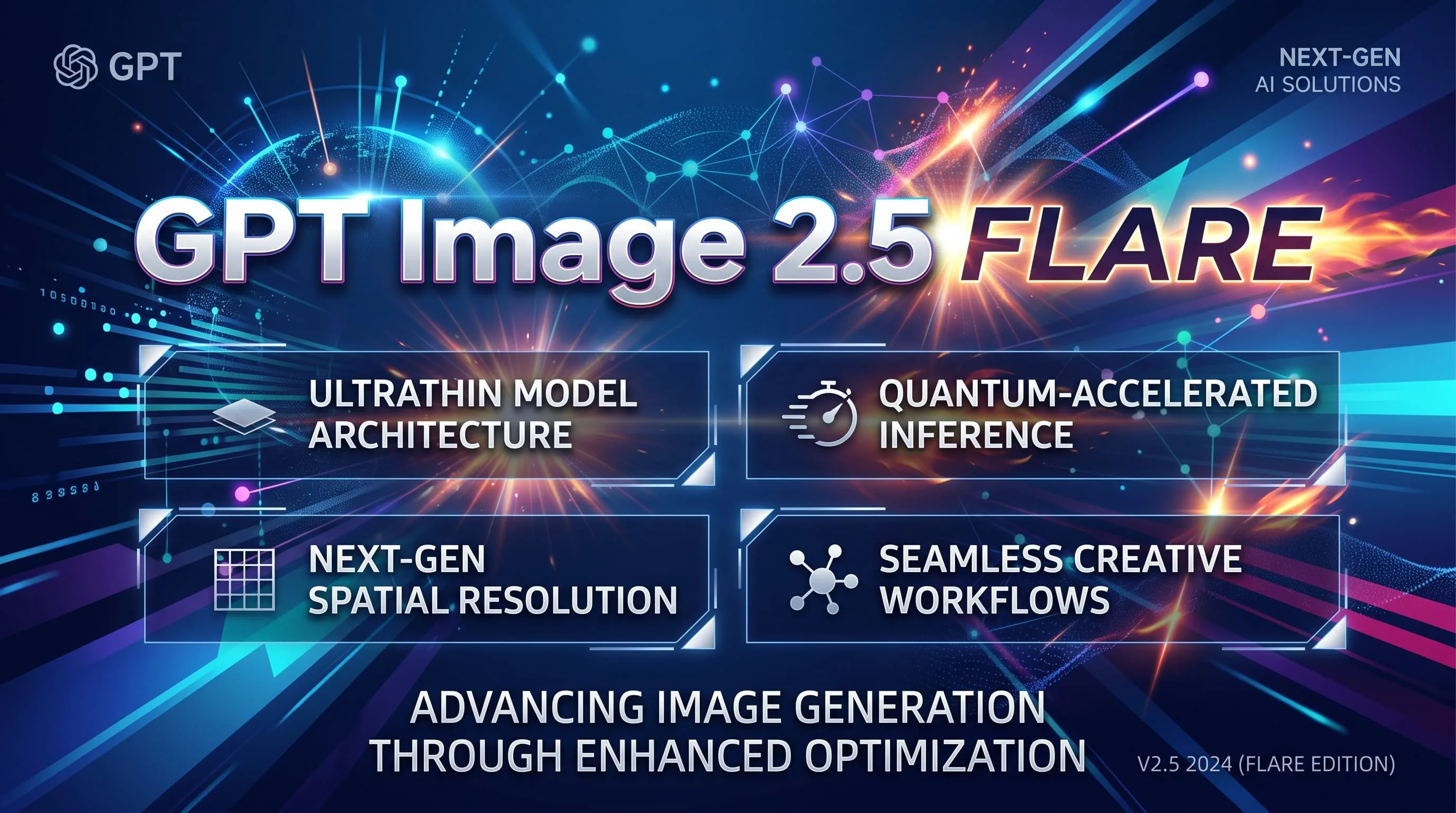
Fast GPT Image 2.5 default for iteration — 10 credits, up to 8 refs. Escalate to Sunburst for precision.
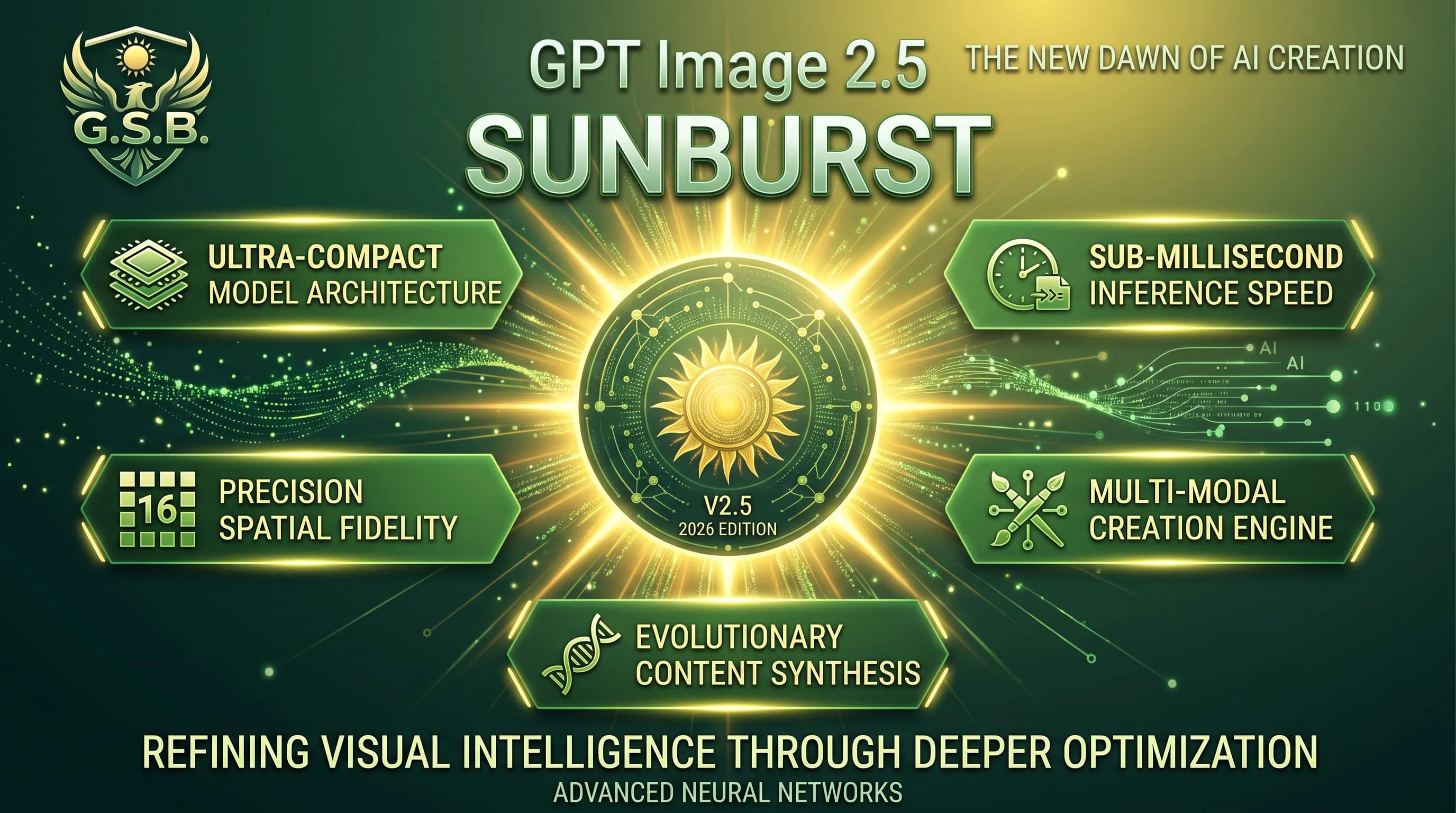
Precision GPT Image 2.5 for materials and multi-turn edits — 10 credits, same band as Flare.
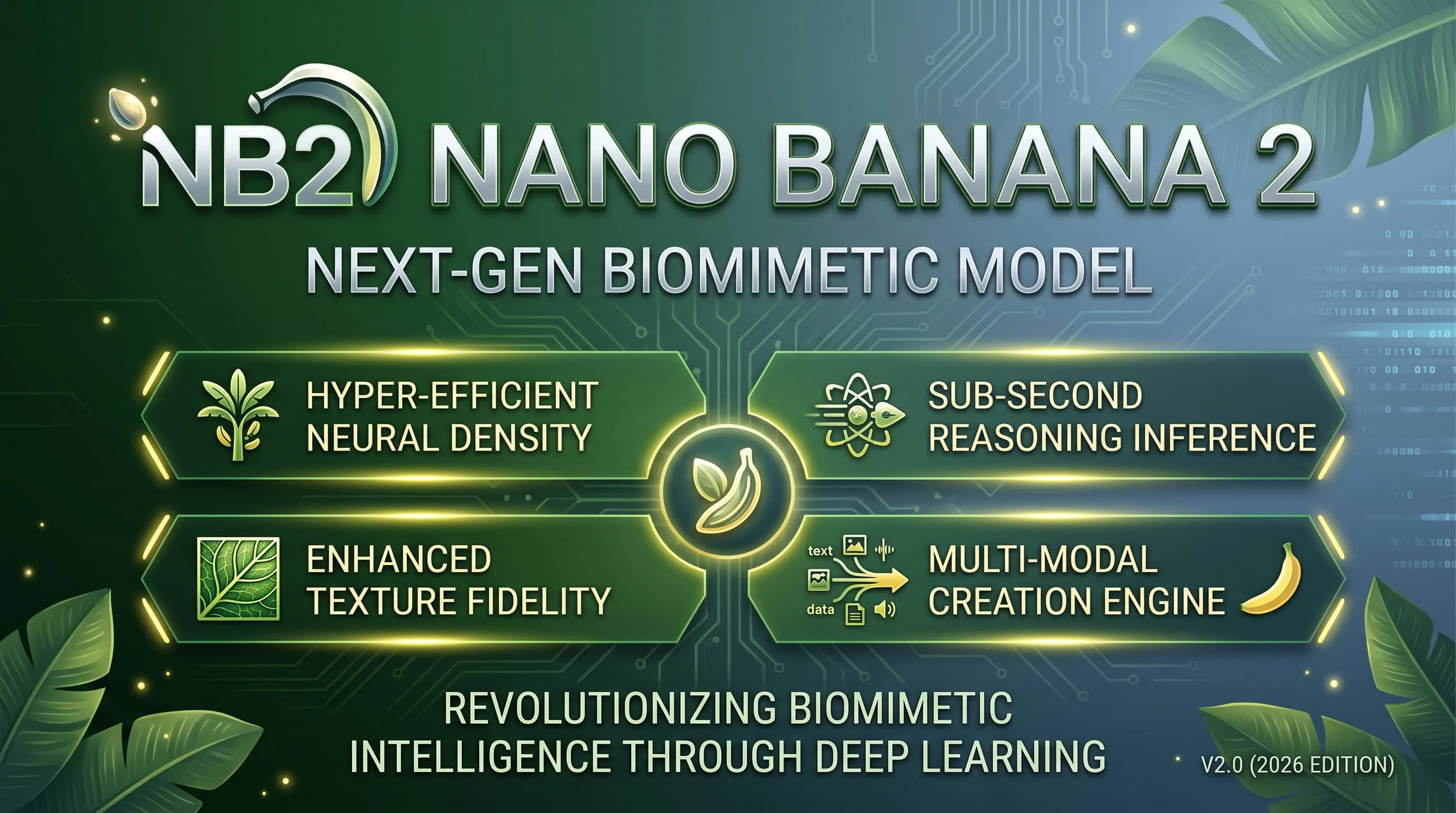
Faster, lighter Nano Banana for daily aesthetic shots and light edits — 10 credits, up to 4K.
Alibaba Qwen for dense layouts, small text and multilingual typography — 10 credits, 1K/2K.

Google DeepMind / Gemini Pro image for legible text, dense scenes and fine detail — 15 credits.
FLUX.2 FAQ
What people ask before their first image on FLUX.2.
What is FLUX.2?
FLUX.2 is Black Forest Labs’ photoreal image model in this generator. It replaces FLUX Schnell for finished photographic work, with stronger materials, up to eight reference images, and 1K/2K output.
How much does one image cost?
15 credits per generated image, charged when the image is delivered. A generation that fails is not charged.
When should I use another model instead?
Use Nano Banana Pro (15 credits) when text inside the image must stay legible or the scene is extremely dense. Use GPT Image 2 (8 credits) or GPT Image 2.5 Flare/Sunburst (10 credits) for layouts and diagrams. Use Seedream 5.0 Pro (20 credits) for multilingual production boards with many references.
Is FLUX.2 for drafts or finished photoreal shots?
Both. It is fast enough to explore directions, but materials and lighting are strong enough for finished photoreal frames — unlike the old Schnell-style “cheap draft only” role.
Do I need an API key or a vendor account?
No. Sign in here and generate with the same credits as every other model. Nothing to install, no separate Black Forest Labs account, no API key to paste.
Can I batch images or use references?
Each run returns one image. You can attach up to eight reference images to guide identity, product or style. There is no four-at-a-time batch mode.
Generate with FLUX.2
Photoreal drafts and reference edits at 15 credits an image.