
GPT Image 2.5 Flare Image Generator
The speed tier of GPT Image 2.5 — better and faster than GPT Image 2 for layouts, edits and reference-guided iteration.
Prompts to try with GPT Image 2.5 Flare
Product recolour, day-to-night edits, object removal and reference-guided restyles. Click an example to load its prompt.
What GPT Image 2.5 Flare is good at
Fast quality tier
Stronger and quicker than GPT Image 2 for day-to-day generation when you need results without waiting on the precision tier.
Layouts that hold
Covers, grids and structured compositions follow placement instructions closely enough for most production drafts.
Editing speed
Recolour, lighting shifts and object removal land quickly so you can try several directions in one sitting.
Up to eight references
Guide style, product or identity with multiple images while stating what each reference should control.
Clear quality tiers
Flare is the speed default; Sunburst is the precision sibling at the same 10-credit price when you need a longer, more careful pass.
Aspect ratio control
Pick the frame before generating so the composition is built for that ratio instead of being cropped afterwards.
Why use GPT Image 2.5 Flare as the default GPT tier?
Flare is the fast quality tier of GPT Image 2.5. It improves on GPT Image 2 for iteration speed, layout edits and reference work with up to eight images, at 10 credits. When materials, grids or multi-turn precision matter more than turnaround, escalate to Sunburst at the same credit price.
How to write a GPT Image 2.5 Flare prompt
Keep the brief short, lock what must stay stable, and escalate to Sunburst when a pass needs more precision.
Keep the brief short
State the change, the subject and one style cue. Flare responds best to focused edit language rather than long essays.
Say what must stay stable
List identity, camera angle, layout and lighting that must not move — especially on recolour and object-removal jobs.
Escalate to Sunburst when needed
If materials smear or a grid drifts after a couple of Flare passes, move the same brief to Sunburst for a precision run.
Other image models
Same generator, different strengths. Switch models when you need more detail, clearer text, faster drafts, or tighter layout control.
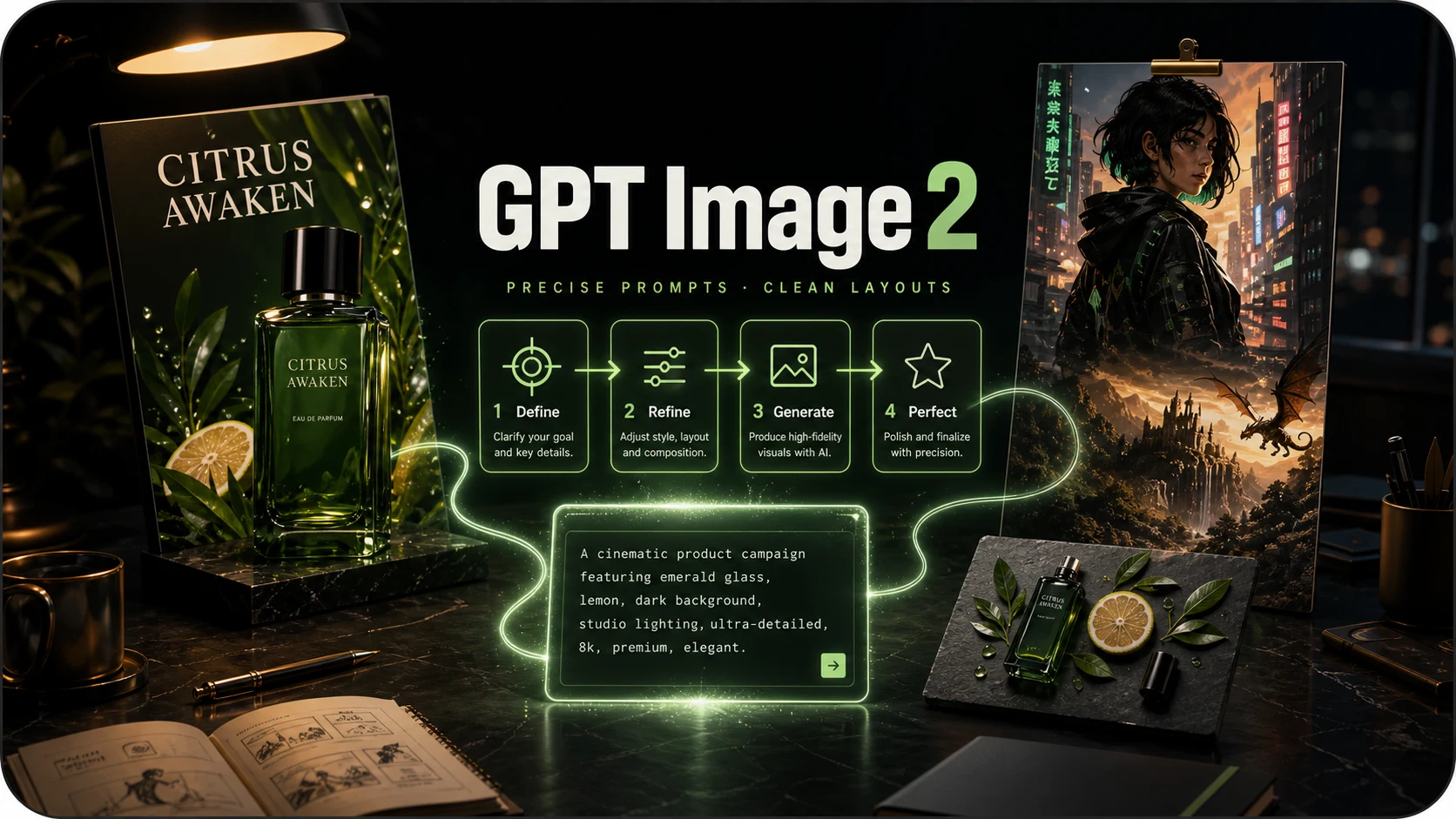
OpenAI prompt-faithful layouts and diagrams at 8 credits — compare with Flare, Sunburst and Nano Banana Pro.
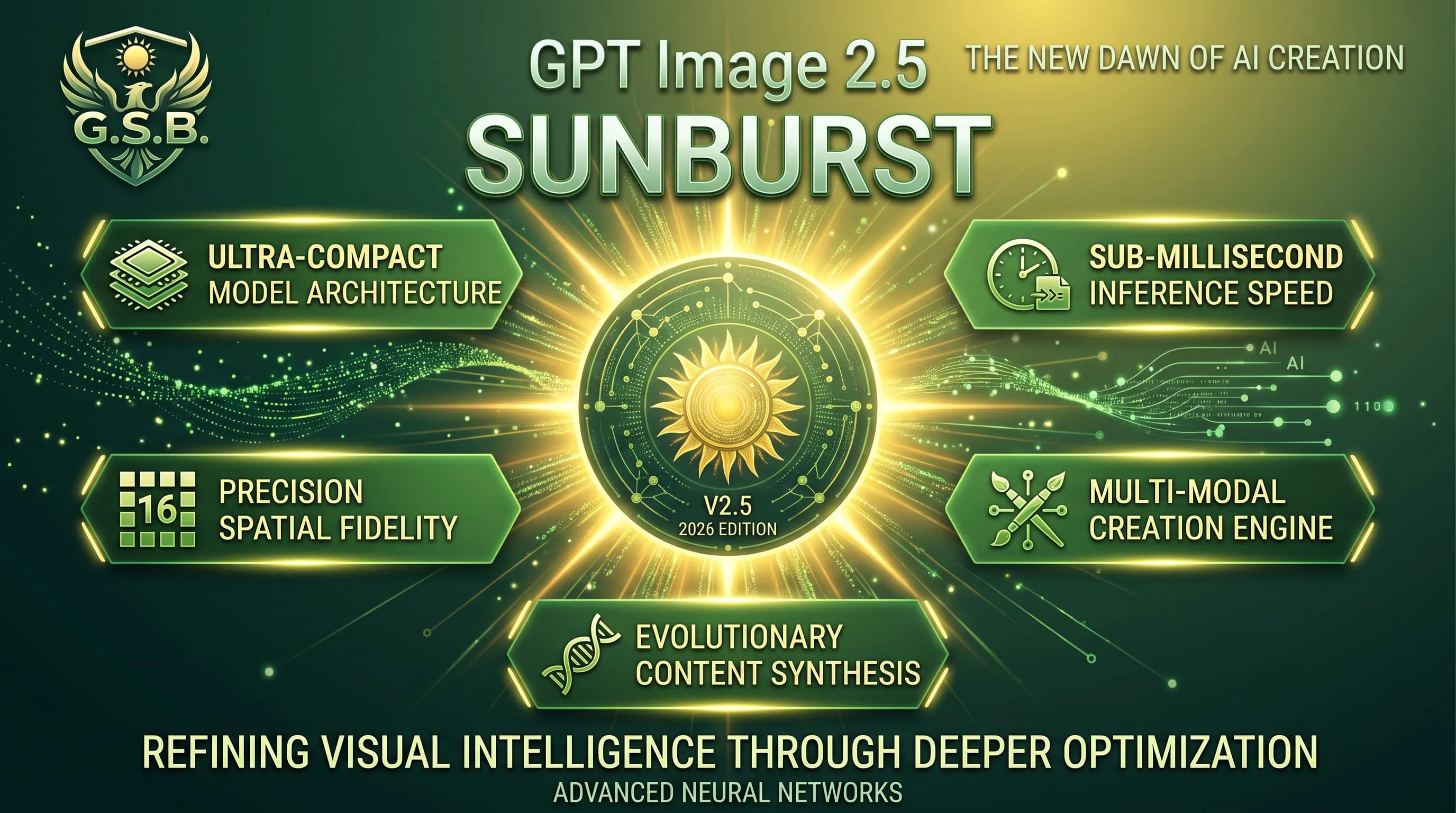
Precision GPT Image 2.5 for materials and multi-turn edits — 10 credits, same band as Flare.
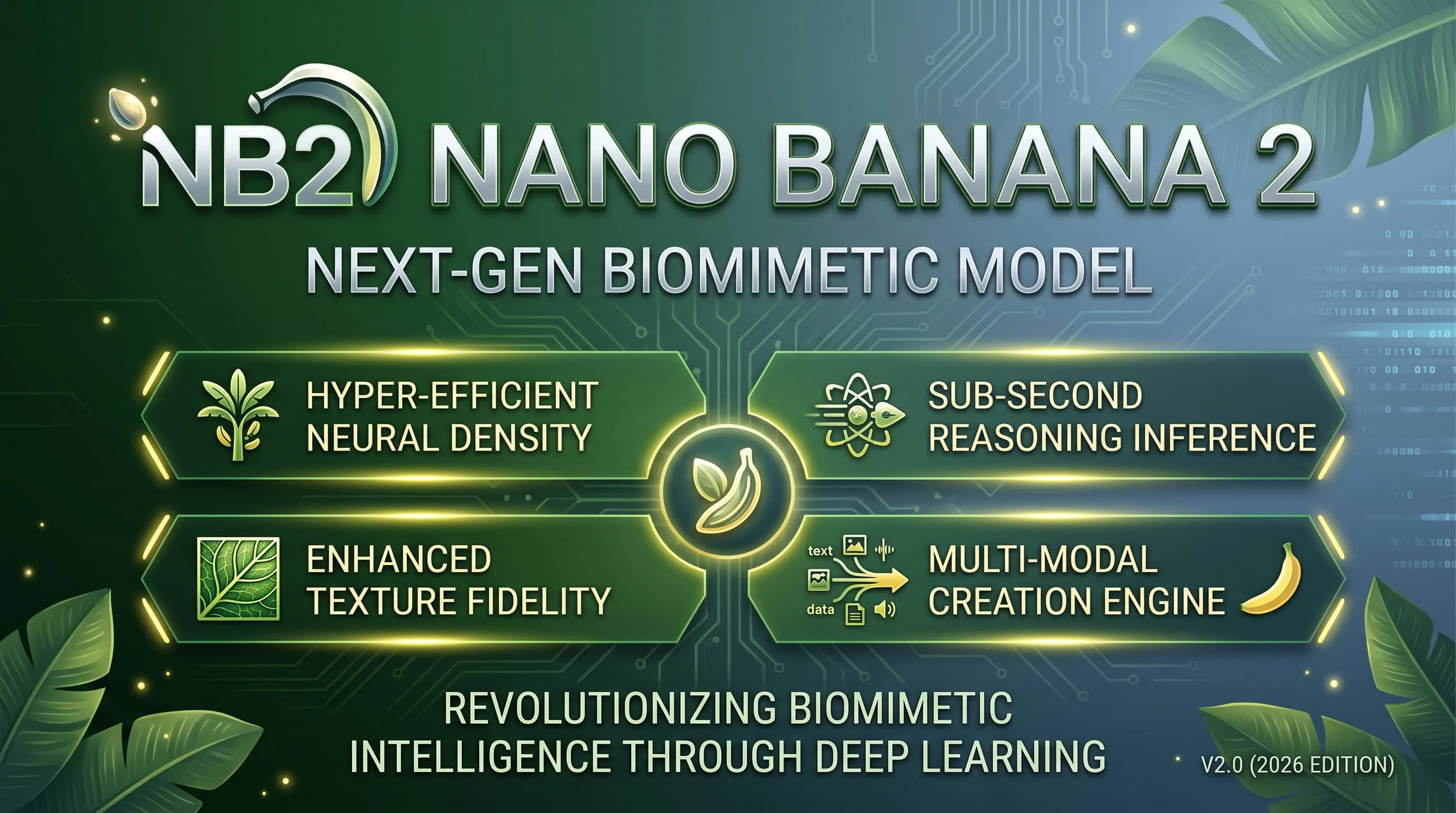
Faster, lighter Nano Banana for daily aesthetic shots and light edits — 10 credits, up to 4K.
Alibaba Qwen for dense layouts, small text and multilingual typography — 10 credits, 1K/2K.
Photoreal FLUX.2 with up to 8 refs and 1K/2K — 15 credits. Replaces FLUX Schnell for finished photographic work.

Google DeepMind / Gemini Pro image for legible text, dense scenes and fine detail — 15 credits.
GPT Image 2.5 Flare FAQ
What people ask before their first image on Flare.
What is GPT Image 2.5 Flare?
Flare is the speed-focused GPT Image 2.5 tier — the default for faster iteration, layouts and edits. It is better and quicker than GPT Image 2 for most day-to-day work.
How much does one image cost?
10 credits per generated image in this catalog, charged when the image is delivered. A generation that fails is not charged.
When should I use Sunburst or GPT Image 2 instead?
Use Sunburst (also 10 credits) when materials, grids or multi-turn precision matter more than speed. Use GPT Image 2 (8 credits) when you want the lower-cost GPT option and do not need 2.5-tier iteration speed or eight references.
Is Flare better for edits or layouts?
Both. It is strong on focused edits (recolour, lighting, removal) and on structured layouts when you need a fast first production draft.
Do I need an OpenAI account or an API key?
No. Choose Flare in the shared model picker and use the same account and credits as every other model.
Can I batch images or use references?
Each run returns one image. You can attach up to eight reference images to guide the edit or layout.