
GPT Image 2.5 Sunburst Image Generator
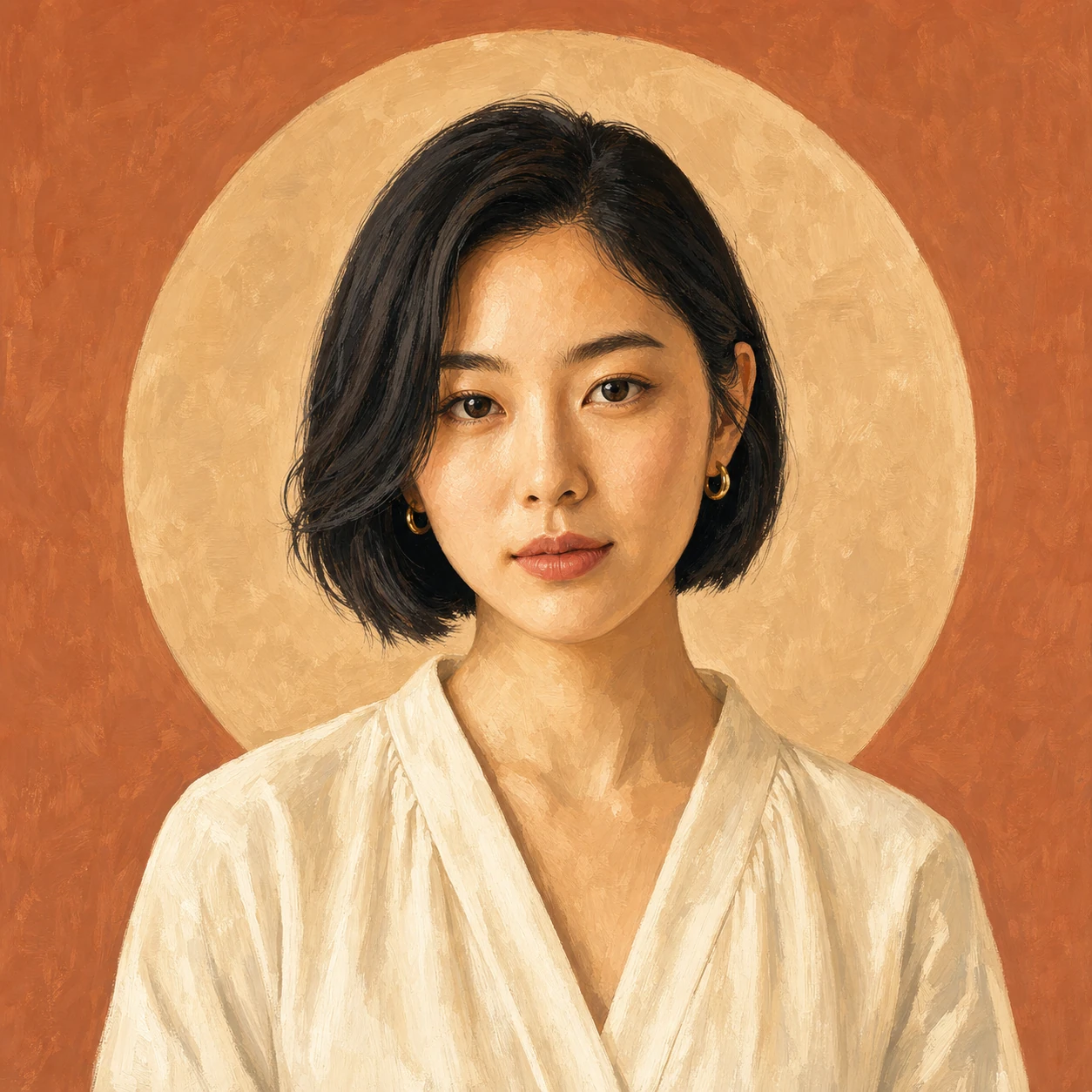
The precision tier of GPT Image 2.5 — longer passes that hold materials, grids and multi-turn edits.
Prompts to try with GPT Image 2.5 Sunburst
Portrait illustration, expand, background cutout and upscale detail. Click an example to load its prompt.
What GPT Image 2.5 Sunburst is good at
Precision detail
Materials, edges and fine surface cues hold through careful passes when Flare’s faster output is not enough.
Multi-turn edits
Stack focused changes across rounds — wardrobe, then lighting, then background — while identity and framing stay recognisable.
Production-ready passes
Use it when a layout or product frame has to survive client review, not only a quick internal draft.
Up to eight references
Bring multiple guides for identity, material or composition and assign each one a job in the prompt.
Clear quality tiers
Same credit band as Flare (10 credits): choose Flare for speed, Sunburst for precision — no surprise price jump.
Aspect ratio control
Pick the frame before generating so the composition is built for that ratio instead of being cropped afterwards.
Why use GPT Image 2.5 Sunburst for precision work?
Sunburst is the precision sibling of Flare in the GPT Image 2.5 family. It takes longer but holds materials, grids and multi-turn edit instructions more reliably, at the same 10-credit price. Start on Flare for speed; move here when the pass needs production care.
How to write a GPT Image 2.5 Sunburst prompt
Lock what must not change, spell out material detail, and plan multi-round edits with a stable base image.
Lock what must not change
Name face, pose, camera angle, label layout and lighting that must stay fixed before listing the edits.
Spell out material detail
Say “matte ceramic”, “brushed metal”, “gouache wash” or “wing-scale sharpness” so the precision pass has something concrete to preserve.
Plan multi-round edits
One change per round is easier to control than a single prompt that rewrites everything at once.
Other image models
Same generator, different strengths. Switch models when you need more detail, clearer text, faster drafts, or tighter layout control.
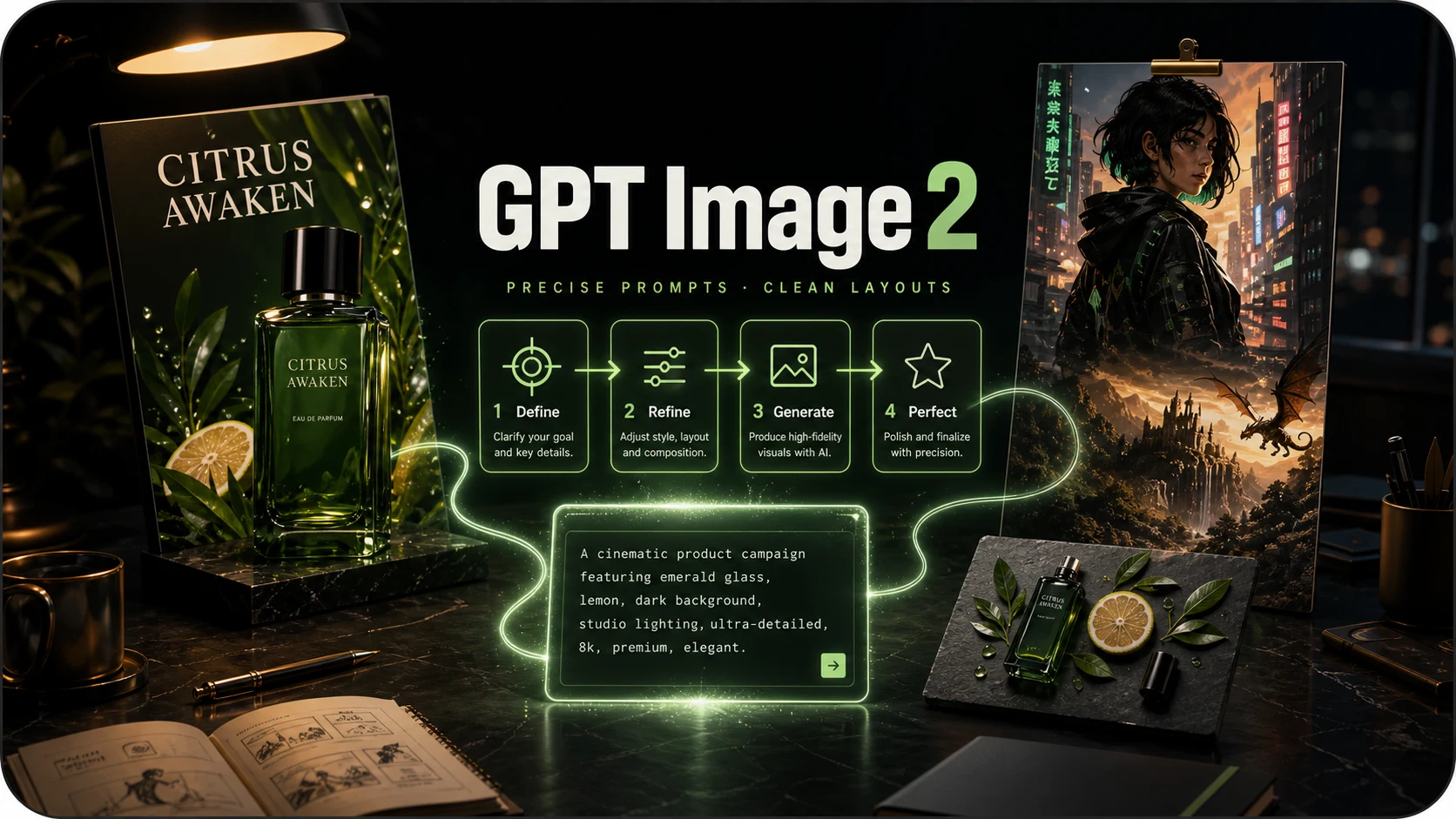
OpenAI prompt-faithful layouts and diagrams at 8 credits — compare with Flare, Sunburst and Nano Banana Pro.
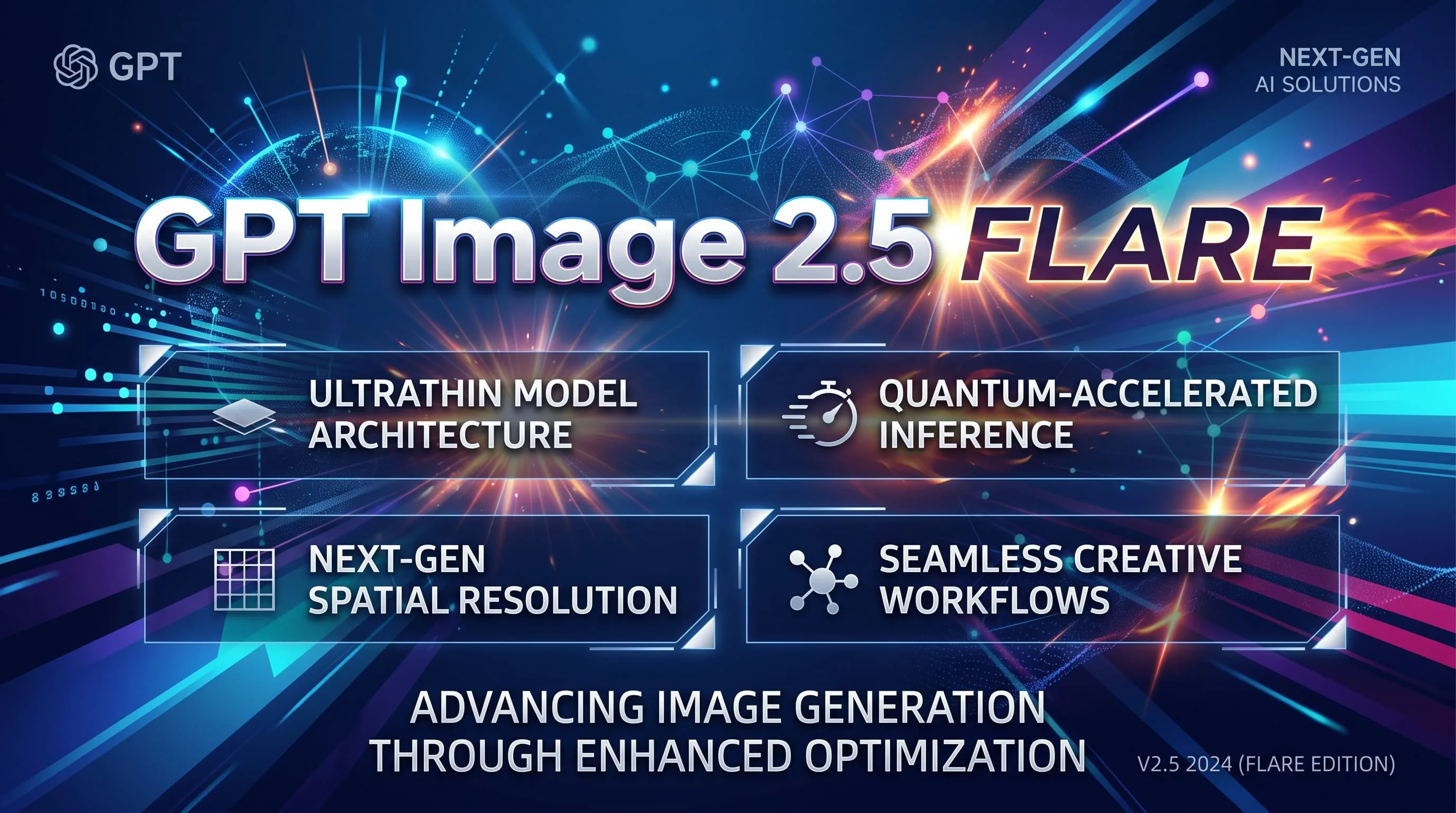
Fast GPT Image 2.5 default for iteration — 10 credits, up to 8 refs. Escalate to Sunburst for precision.
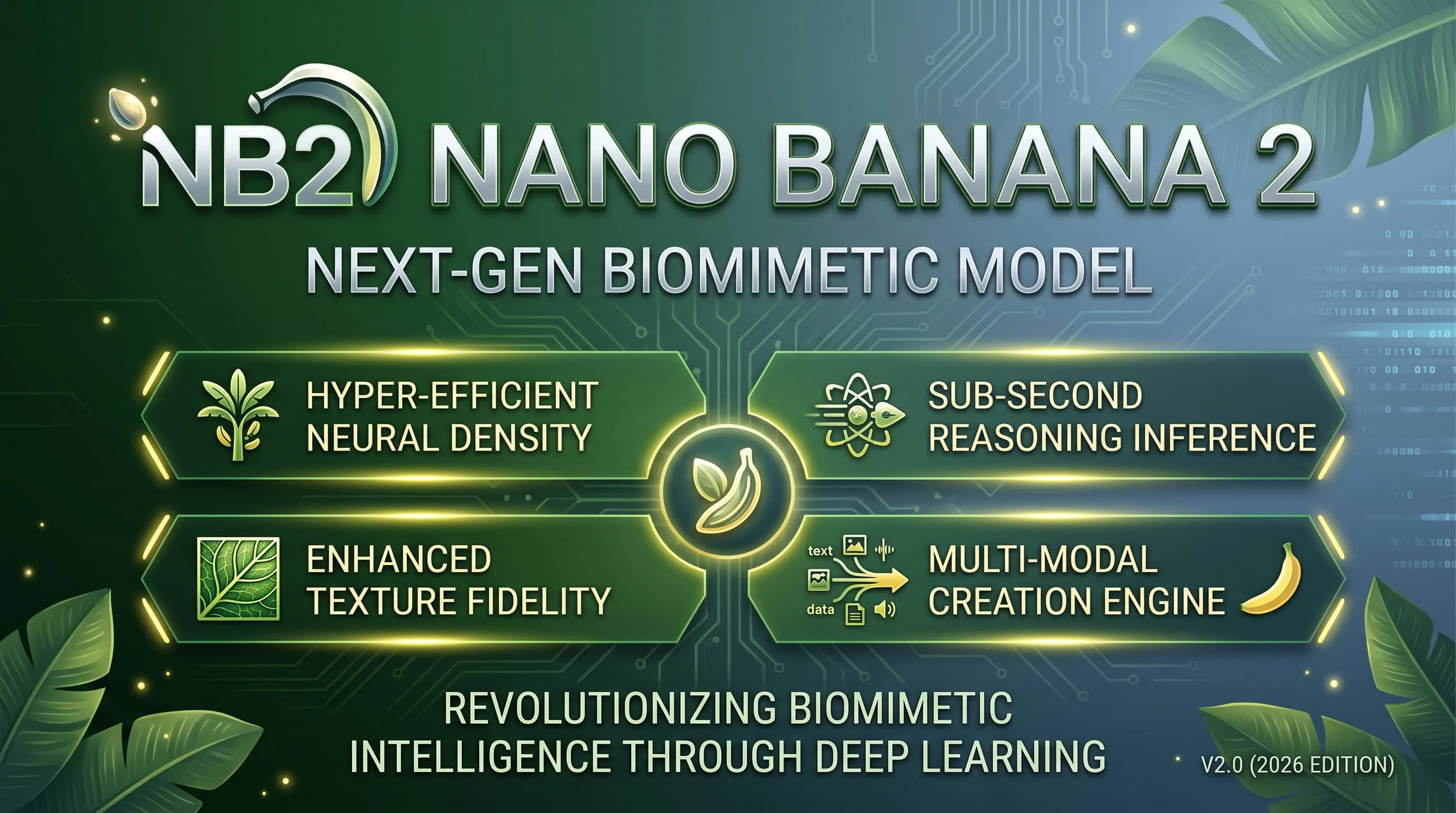
Faster, lighter Nano Banana for daily aesthetic shots and light edits — 10 credits, up to 4K.
Alibaba Qwen for dense layouts, small text and multilingual typography — 10 credits, 1K/2K.

Photoreal FLUX.2 with up to 8 refs and 1K/2K — 15 credits. Replaces FLUX Schnell for finished photographic work.

Google DeepMind / Gemini Pro image for legible text, dense scenes and fine detail — 15 credits.
GPT Image 2.5 Sunburst FAQ
What people ask before their first image on Sunburst.
What is GPT Image 2.5 Sunburst?
Sunburst is the precision GPT Image 2.5 tier. It is slower than Flare but better at holding materials, grids and multi-turn edit instructions.
How much does one image cost?
10 credits per generated image — the same price band as Flare in this product. Failed generations are not charged.
When should I use Flare or GPT Image 2 instead?
Use Flare (10 credits) for faster iteration on the same 2.5 family. Use GPT Image 2 (8 credits) when you want a lower-cost GPT layout pass and do not need 2.5 precision.
How do the quality tiers differ?
Flare prioritises speed; Sunburst prioritises precision. Both cost 10 credits here, so pick based on how careful the pass needs to be, not on price.
Do I need an OpenAI account or an API key?
No. Choose Sunburst in the shared model picker and use the same account and credits as every other model.
Can I batch images or use references?
Each run returns one image. You can attach up to eight reference images for multi-turn or style-guided work.