
Qwen Image 3.0 Image Generator
Alibaba Qwen for dense layouts, small text, multilingual typography and long, knowledge-heavy prompts.
Prompts to try with Qwen Image 3.0
Dense infographics, flow diagrams, sale posters and cinematic concept art. Click an example to load its prompt.
What Qwen Image 3.0 is good at
Dense layouts
Infographics, labelled diagrams and information-rich posters keep blocks, arrows and captions organised instead of collapsing into noise.
Small text holds up
Captions, footnotes and compact labels stay more readable than on models that only handle large headlines.
Multilingual typography
Chinese, English and mixed-script posters keep hierarchy clear when you quote each line and name its language.
Long prompts welcome
Extended briefs with structure, constraints and multiple text layers are less likely to drop the middle of the instruction.
Knowledge-aware scenes
Technical and cultural concepts in the prompt are more likely to land as coherent visuals rather than generic decoration.
Aspect ratio control
Pick the frame before generating so the composition is built for that ratio instead of being cropped afterwards.
Why use Qwen Image 3.0 for text-dense layouts?
Qwen Image 3.0 from Alibaba handles dense layouts, small captions, multilingual typography and long prompts with strong world knowledge. It supports 1K and 2K output with up to three references at 10 credits — a strong alternative when poster text and structured diagrams matter.
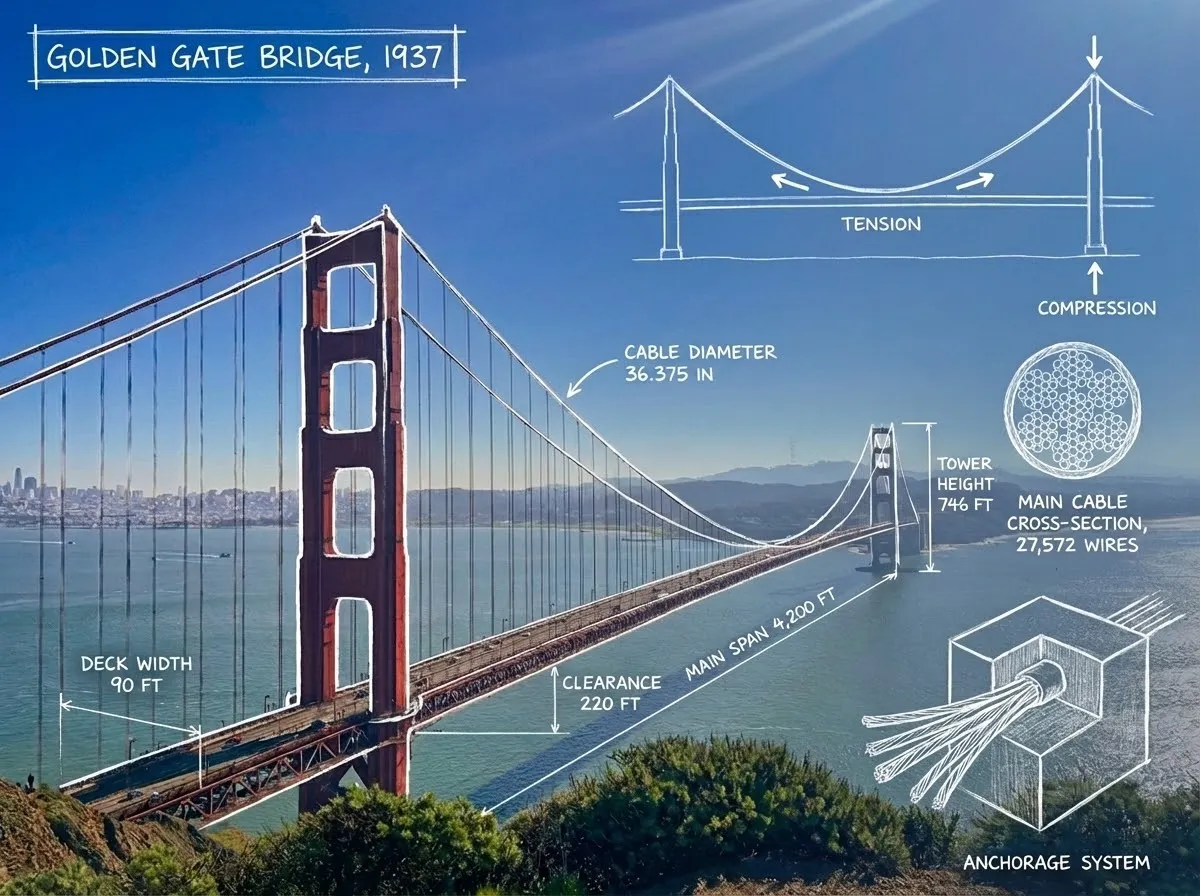
How to write a Qwen Image 3.0 prompt
Structure the layout, quote small text exactly, and name the language for every line that must appear.
Structure the layout first
List sections, reading order and where arrows or labels sit before adding style words.
Quote small text exactly
Put every caption and badge in quotation marks. Short lines beat paragraphs when the type must stay legible.
Name the language
Say which lines are Chinese, English or bilingual so typography and spacing follow the right script.
Other image models
Same generator, different strengths. Switch models when you need more detail, clearer text, faster drafts, or tighter layout control.
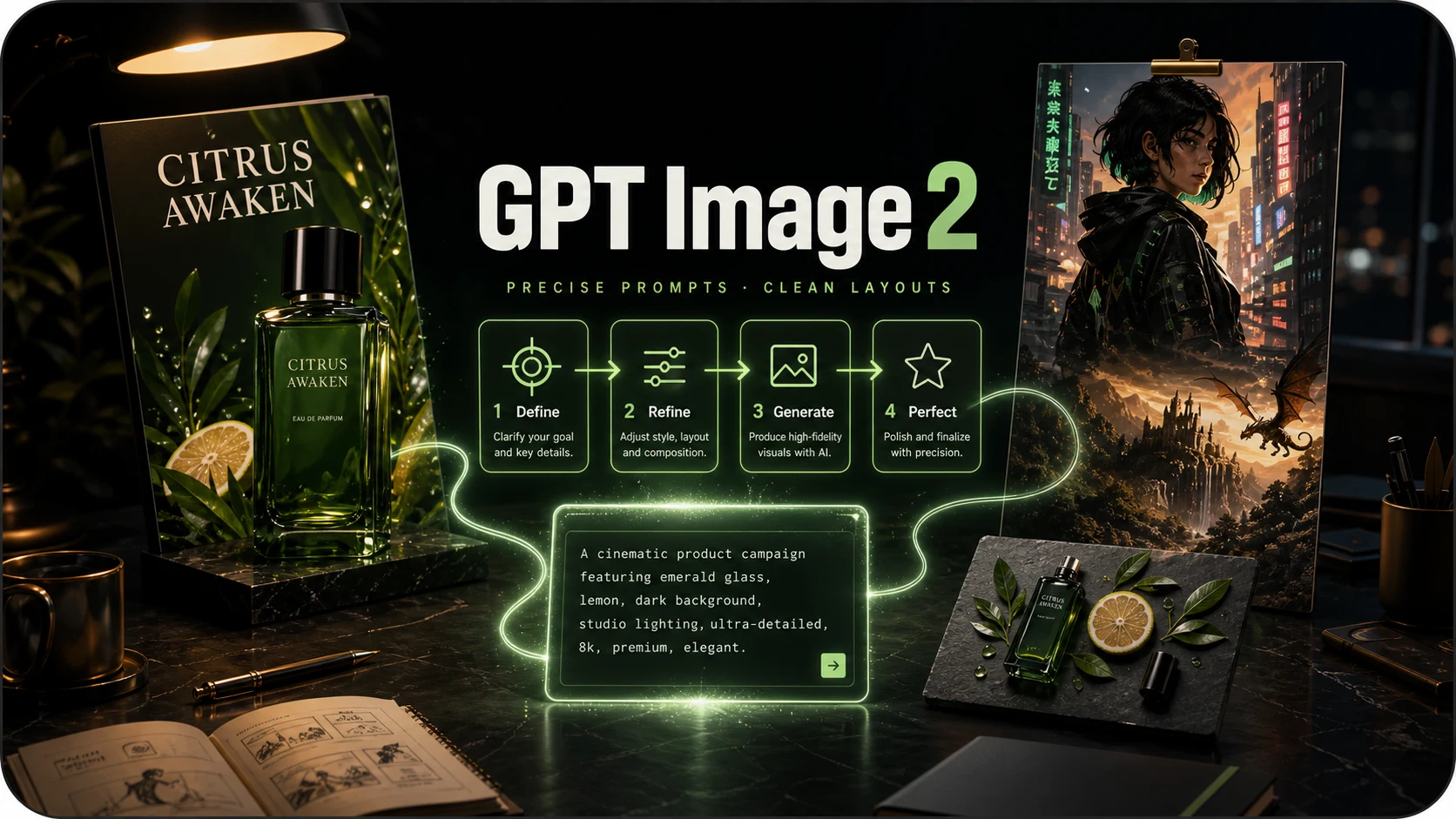
OpenAI prompt-faithful layouts and diagrams at 8 credits — compare with Flare, Sunburst and Nano Banana Pro.
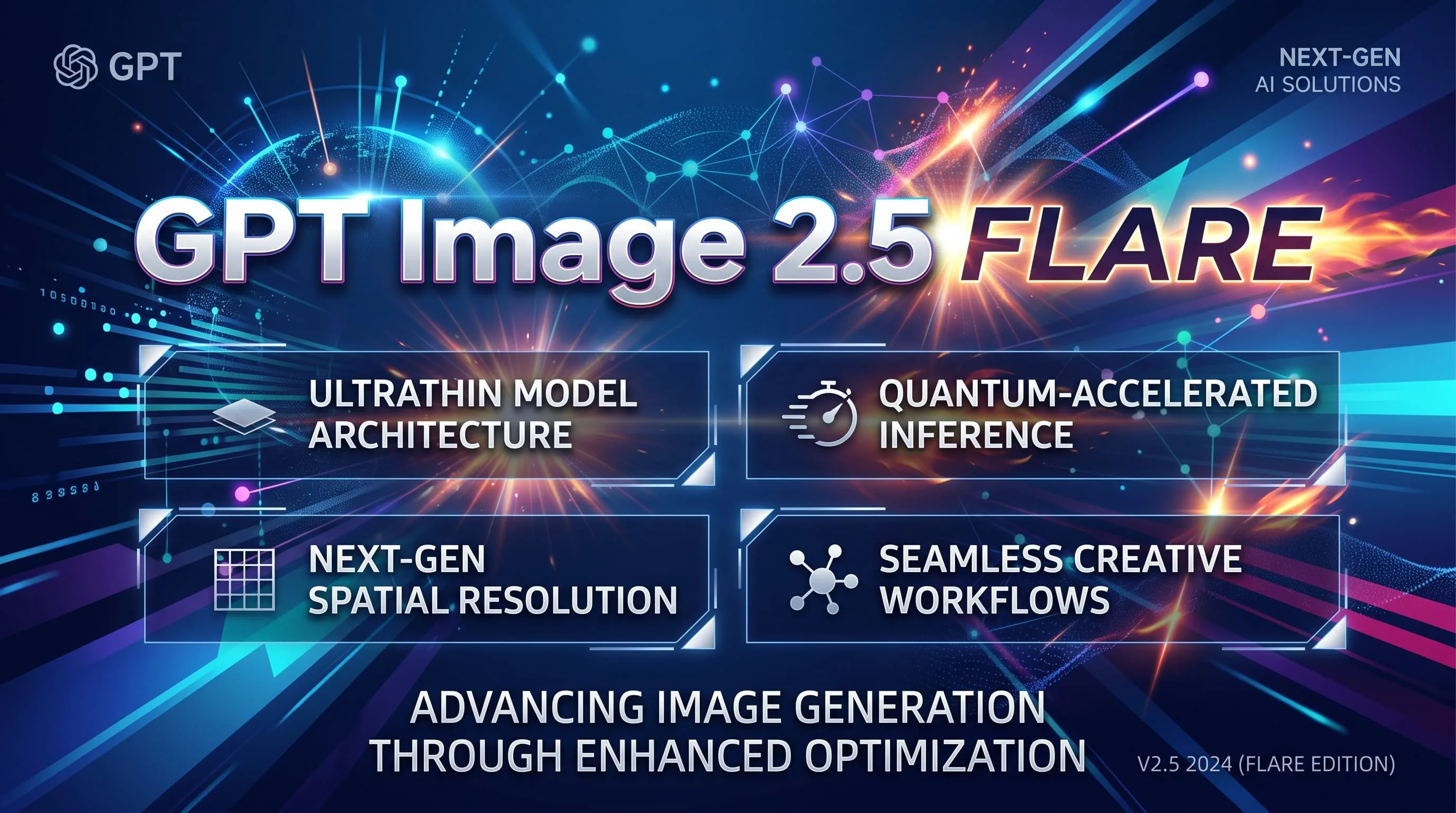
Fast GPT Image 2.5 default for iteration — 10 credits, up to 8 refs. Escalate to Sunburst for precision.
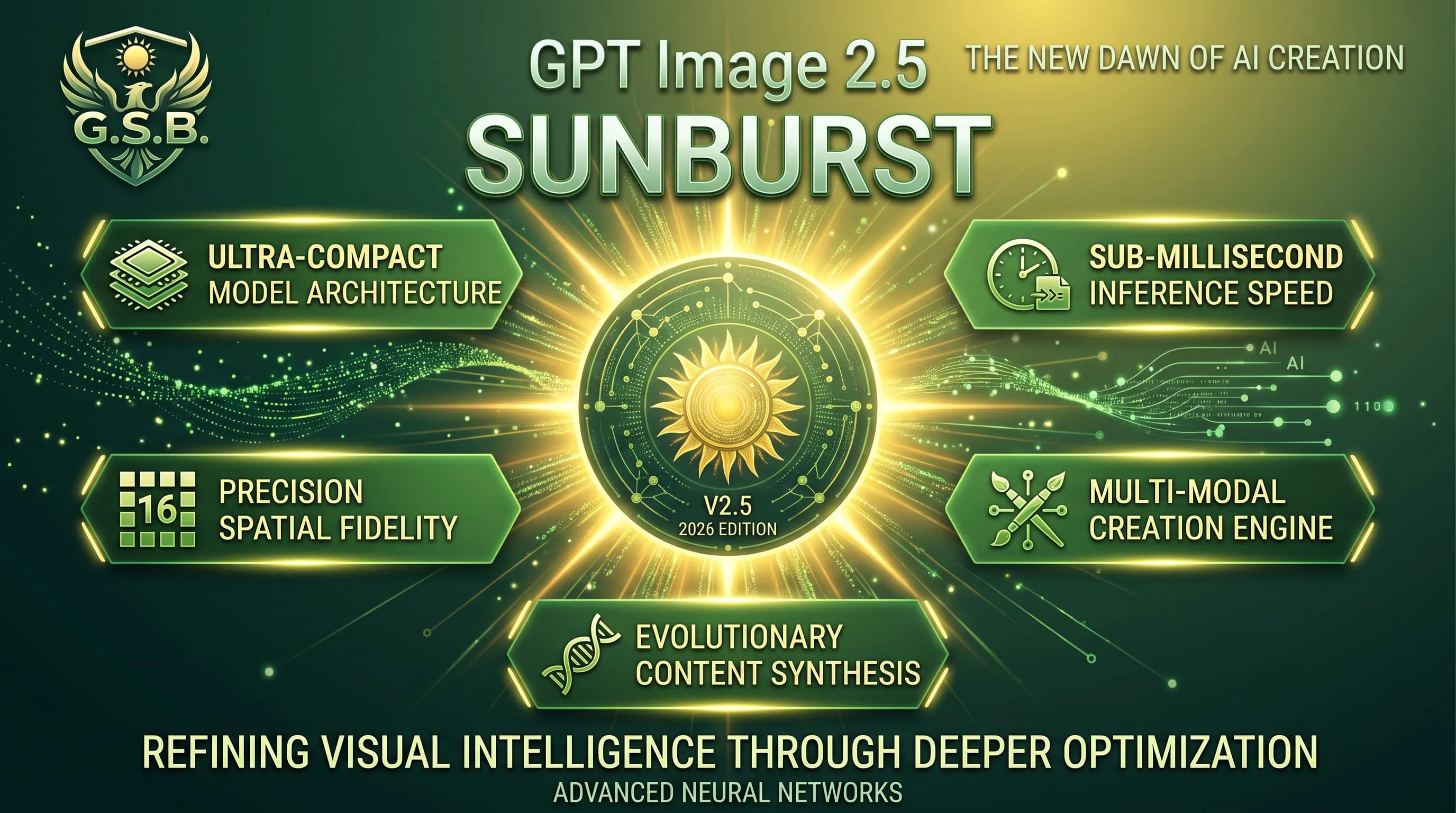
Precision GPT Image 2.5 for materials and multi-turn edits — 10 credits, same band as Flare.
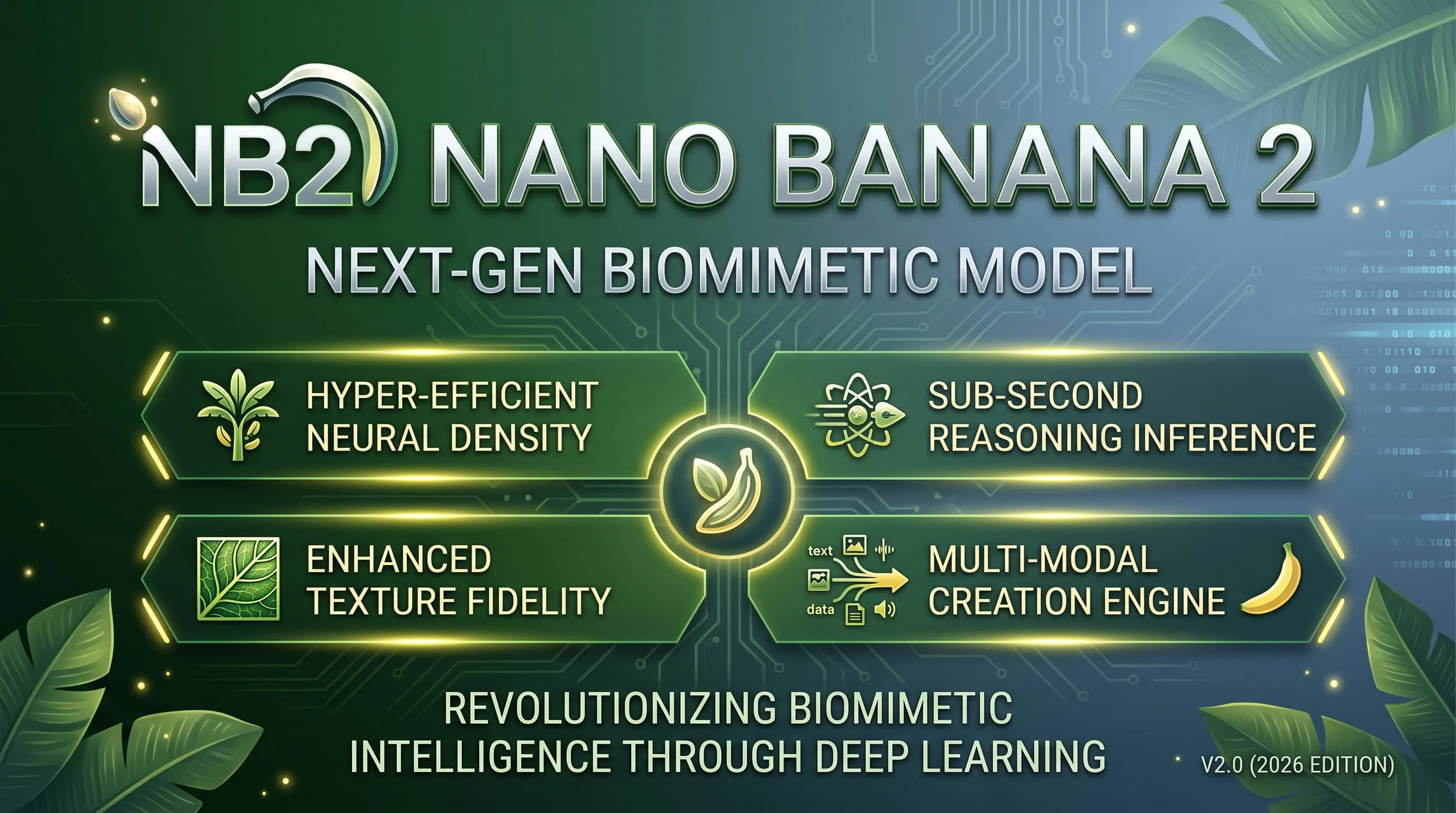
Faster, lighter Nano Banana for daily aesthetic shots and light edits — 10 credits, up to 4K.
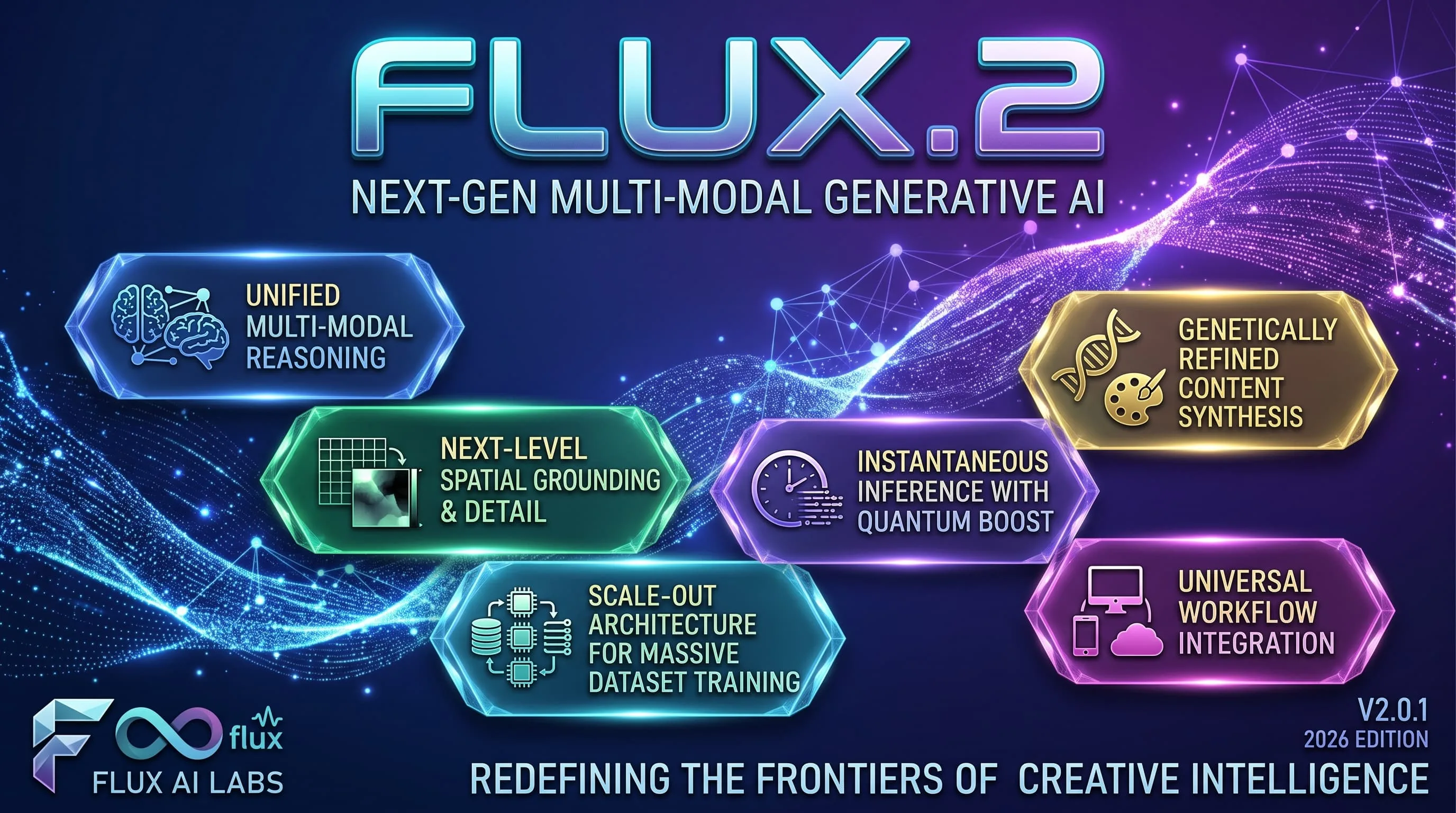
Photoreal FLUX.2 with up to 8 refs and 1K/2K — 15 credits. Replaces FLUX Schnell for finished photographic work.
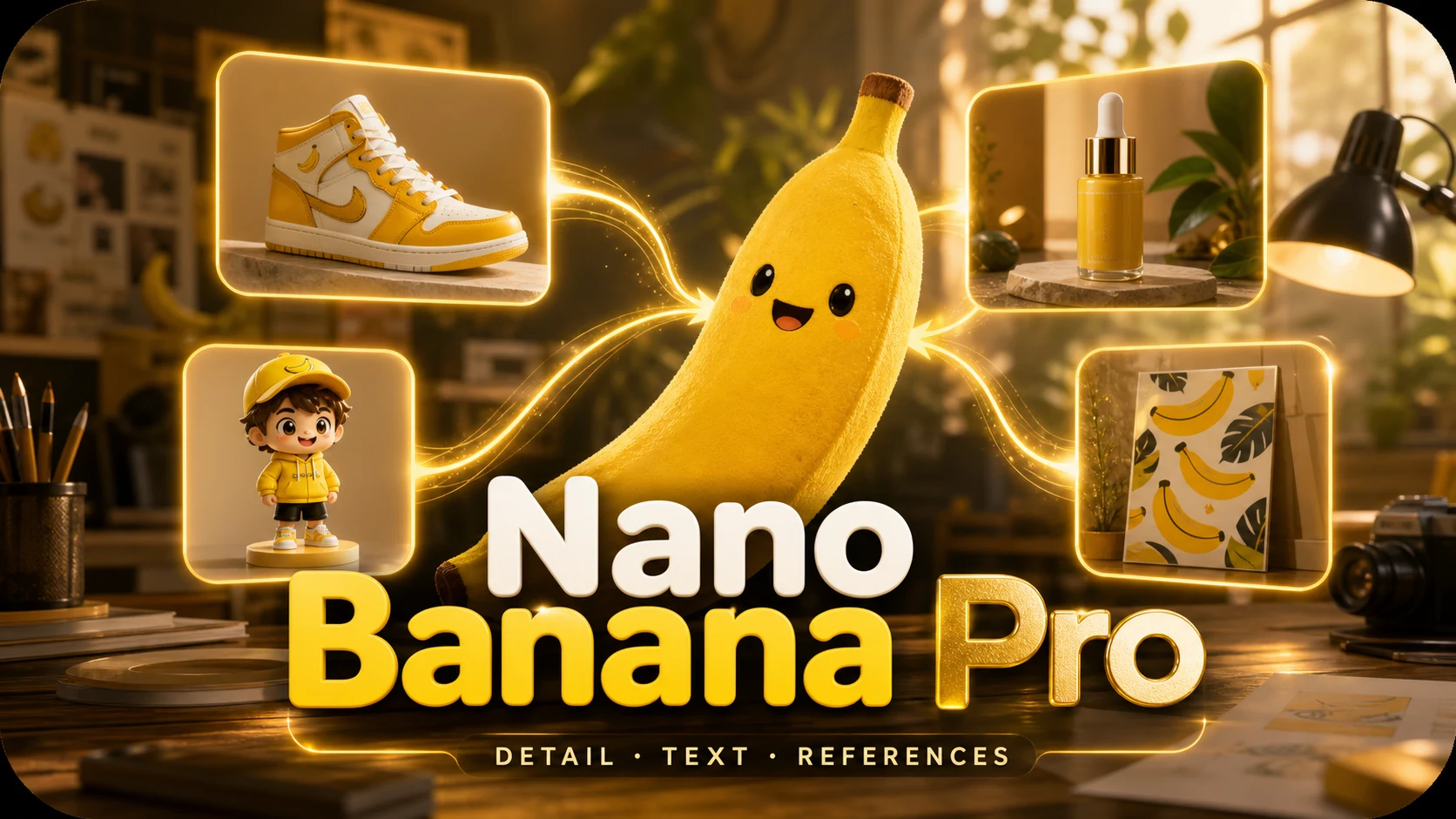
Google DeepMind / Gemini Pro image for legible text, dense scenes and fine detail — 15 credits.
Qwen Image 3.0 FAQ
What people ask before their first image on Qwen Image 3.0.
What is Qwen Image 3.0?
Qwen Image 3.0 is Alibaba’s image model for dense layouts, small text, multilingual typography and long prompts — strong on structured posters and diagrams.
How much does one image cost?
10 credits per generated image, charged when the image is delivered. A generation that fails is not charged.
When should I use another model instead?
Use Nano Banana Pro (15 credits) for photographic dense scenes with perfect headline text. Use GPT Image 2 or Flare (8–10 credits) for Swiss-style editorial covers. Use Seedream 5.0 Pro (20 credits) when you need multi-reference production layouts and 1.5K output.
Is it better for small text or dense layout?
Both. Quote compact captions for readability, and describe section hierarchy when the frame is an infographic or multi-panel poster.
Do I need an Alibaba account or an API key?
No. Choose Qwen Image 3.0 in the shared model picker and use the same account and credits as every other model.
Can I batch images or use references?
Each run returns one image. You can attach up to three reference images at 1K or 2K output.
Build a dense layout with Qwen
Small text and multilingual posters at 10 credits an image.