
Nano Banana Pro Image Generator
The hard shots: wording that has to be spelled right, dense scenes, and detail that usually falls apart — powered by Google DeepMind’s Gemini Pro image model.
Prompts to try with Nano Banana Pro
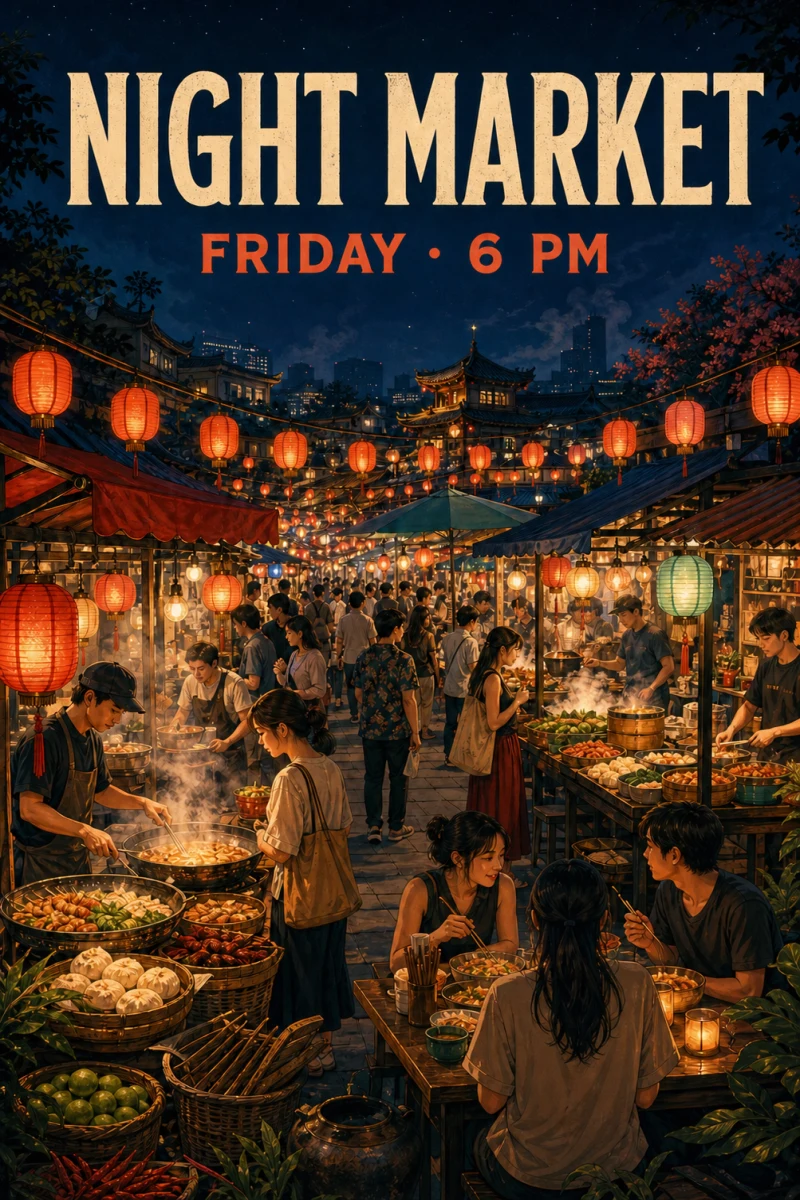
See examples built around readable poster text, intricate packaging, crowded scenes and fine visual detail. Click an example to load its prompt.
What Nano Banana Pro is good at
Text that stays legible
Put the wording in quotes and it comes back spelled correctly, including non-Latin scripts — the difference between a mockup you can show and one you cannot.
Dense scenes hold together
A night market with dozens of stalls, a crowded desk, a busy street: the parts stay coherent instead of dissolving into texture at the back of the frame.
Fine detail survives
Engraving, small print, hands, distant faces and repeated patterns are where most models give up. This is the one to try when they do.
Consistent subjects
Ask for the same person or product across scenes — with up to eight reference images — and identity, outfit and styling stay recognisable rather than drifting frame to frame.
Aspect ratio control
Pick the frame before generating so the composition is built for that ratio instead of being cropped afterwards.
Google DeepMind model
Gemini Pro image quality, run here with your credits — no Google account, no separate subscription and no API key to manage.
Why choose Nano Banana Pro for text, detail and dense scenes?
Nano Banana Pro is Google DeepMind’s heavier Gemini Pro image model here. Use it when headlines, labels, crowded markets and fine engraving have to survive. Compared with Nano Banana 2 it is slower and more precise; compared with FLUX.2 it is the better bet when text and density matter more than pure photoreal atmosphere.
How to write a Nano Banana Pro prompt
Quote every word that must be readable, describe hierarchy and placement, and attach references when a face or package must stay consistent.
Quote every word that must be readable
Put exact copy in quotation marks and keep it concise. Separate a headline, subheading and label instead of asking the model to invent marketing text.
Describe hierarchy and placement
Say “headline across the top”, “product centred below” or “small label on the front of the tin”. Spatial instructions keep a complex composition organised.
Attach references for consistency
Use up to eight reference images when a face, outfit, package or visual identity must survive. Then state clearly what may change and what must stay fixed.
Other image models
Same generator, different strengths. Switch models when you need more detail, clearer text, faster drafts, or tighter layout control.
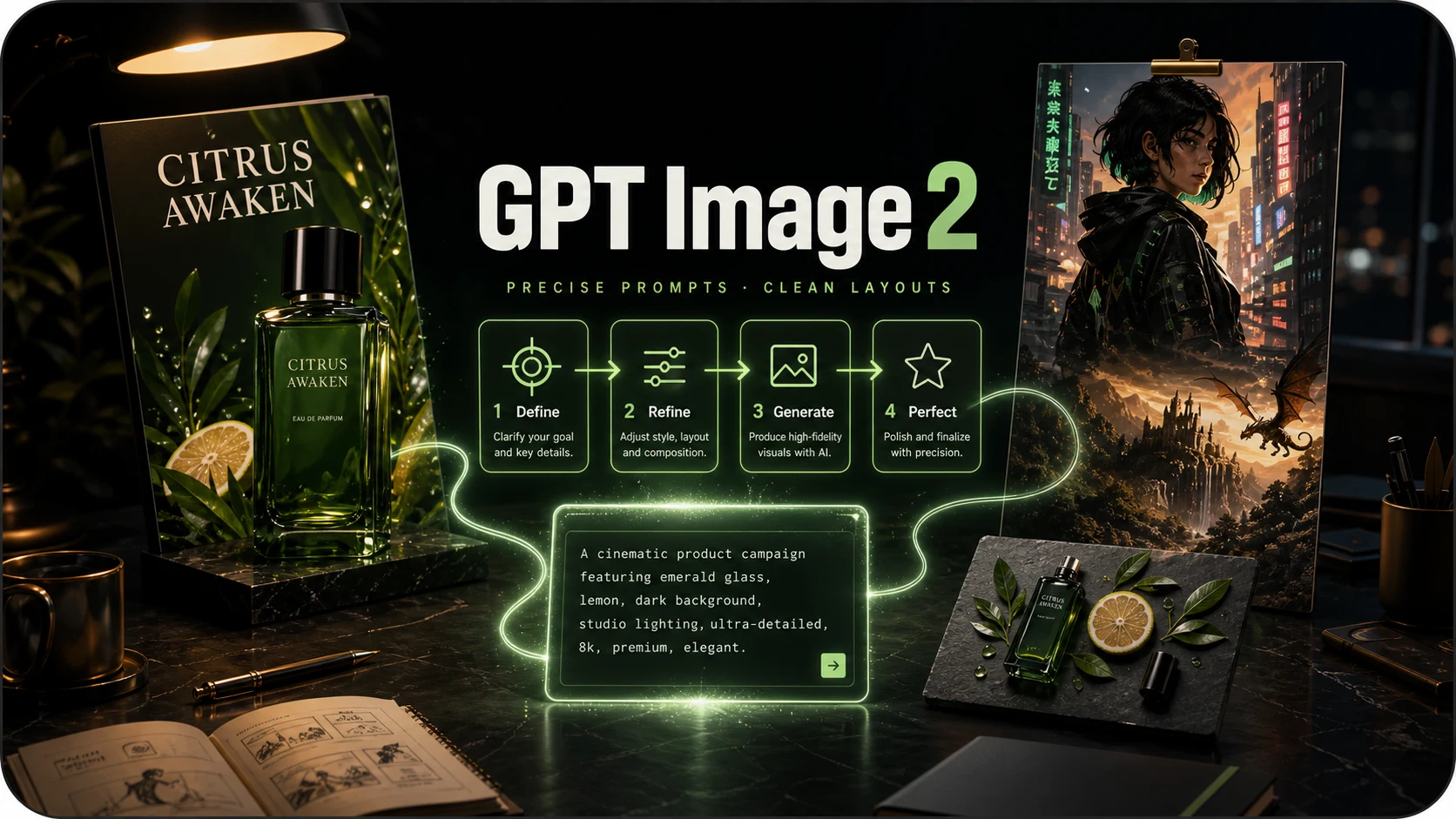
OpenAI prompt-faithful layouts and diagrams at 8 credits — compare with Flare, Sunburst and Nano Banana Pro.
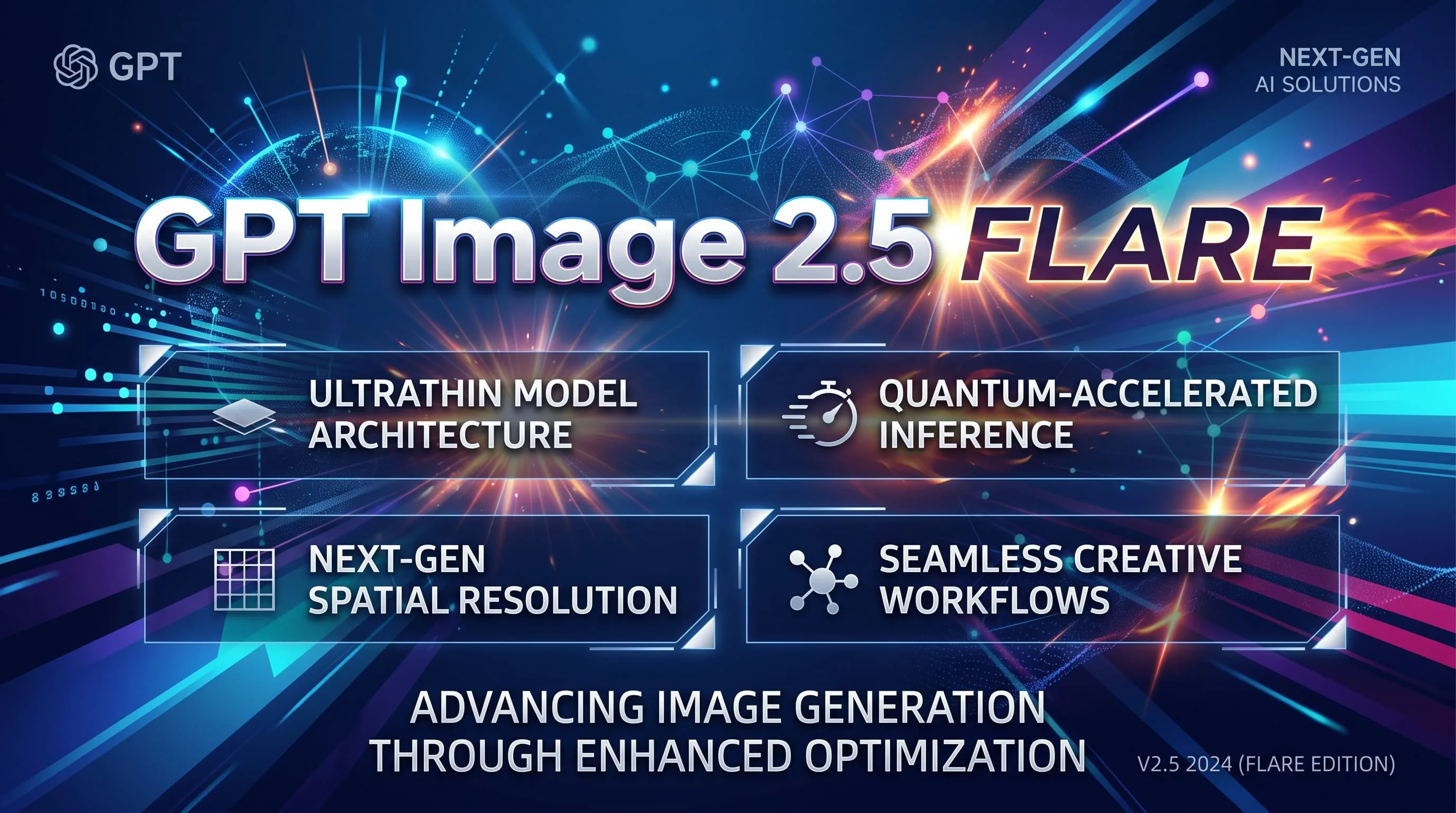
Fast GPT Image 2.5 default for iteration — 10 credits, up to 8 refs. Escalate to Sunburst for precision.
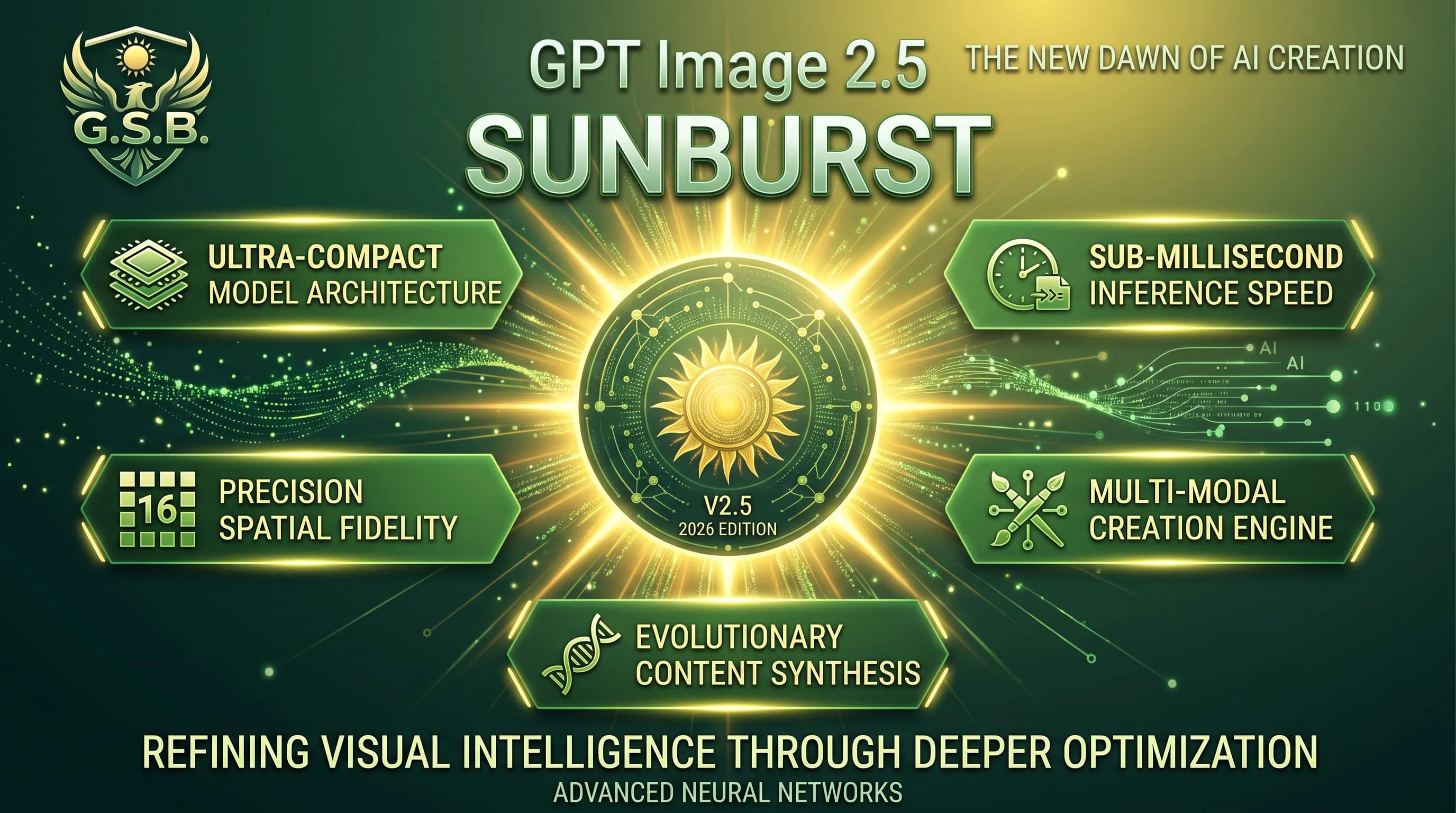
Precision GPT Image 2.5 for materials and multi-turn edits — 10 credits, same band as Flare.
Faster, lighter Nano Banana for daily aesthetic shots and light edits — 10 credits, up to 4K.
Alibaba Qwen for dense layouts, small text and multilingual typography — 10 credits, 1K/2K.
Photoreal FLUX.2 with up to 8 refs and 1K/2K — 15 credits. Replaces FLUX Schnell for finished photographic work.
Nano Banana Pro FAQ
What people ask before their first image on Nano Banana Pro.
What is Nano Banana Pro?
It is Google DeepMind’s Gemini Pro image model in this product — built for legible text, dense compositions and fine detail that lighter models miss.
How much does one image cost?
15 credits per generated image, charged when the image is delivered. A generation that fails is not charged.
When should I use Nano Banana 2 or FLUX.2 instead?
Nano Banana 2 (10 credits) is faster and lighter for everyday aesthetic shots. FLUX.2 (15 credits) is stronger when you want photoreal atmosphere and up to eight references without critical on-image text. Stay on Pro when wording, density or fine detail is the point.
Is it better for text or for fine detail?
Both. Quote short copy for posters and labels; lean on it for engraving, crowded stalls and macro surfaces when other models smear the details.
Do I need a Google account or an API key?
No. The model runs on our side and uses the same credits as everything else. Nothing to install, no key to paste, no second subscription.
Can I batch images or use references?
Each run returns one image. You can attach up to eight reference images to keep a face, product or style consistent.
Try the hard shot on Nano Banana Pro
Posters, packaging and dense scenes at 15 credits an image.